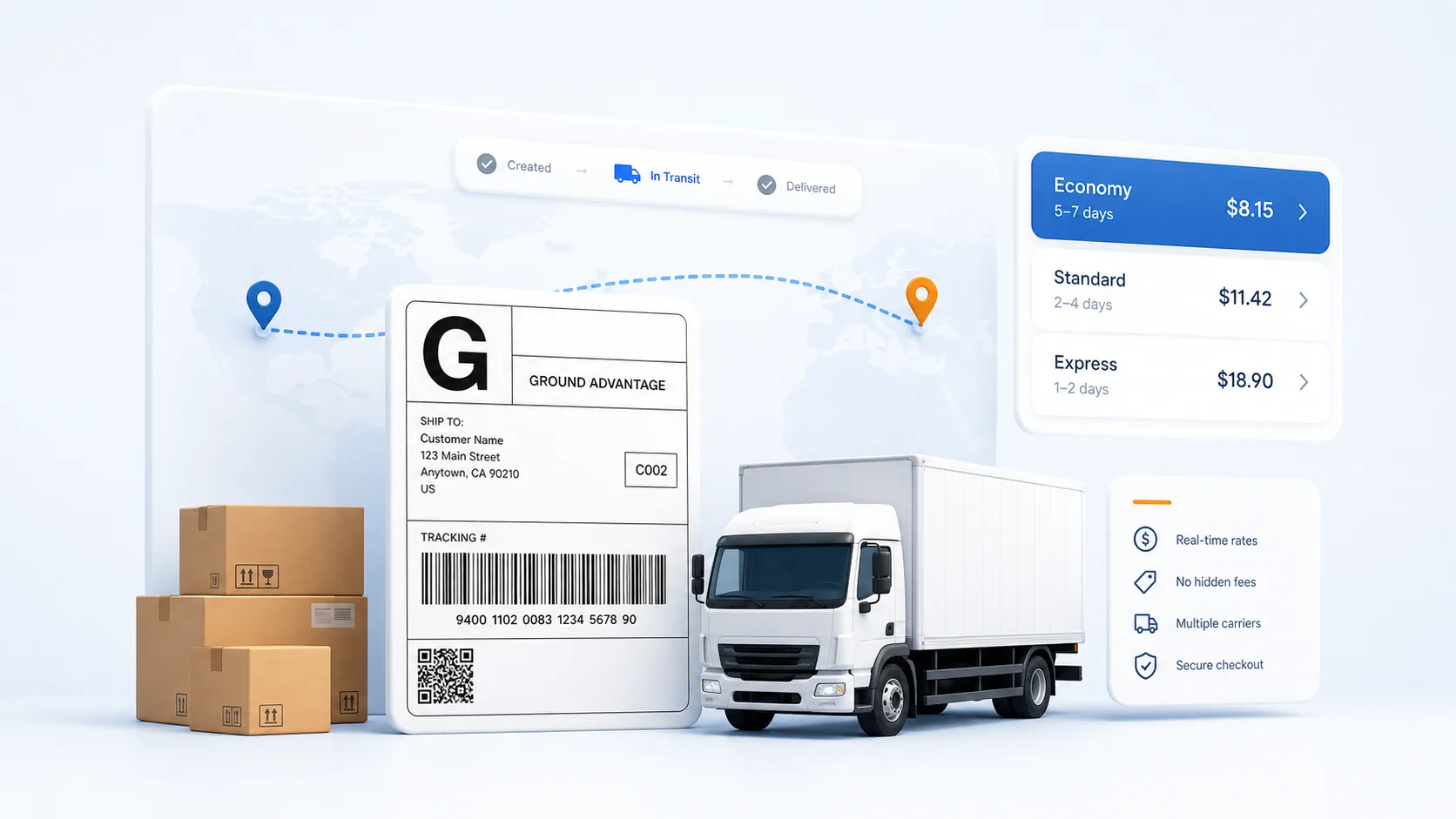
Can you print a shipping label at home?
Yes, on any working printer. Buy the label online, open the PDF, print it at 100 percent scale on plain letter paper, and tape it flat to the box. Carriers scan the barcode, not the paper stock, so an ordinary inkjet or laser print is fully valid postage.
Do I need a scale to buy the label?
Not with our calculator: describe the item and it estimates the packed box and weight for you before quoting. If you own a kitchen scale, weigh the packed box anyway — a truthful weight avoids a carrier correction after the fact.
What printer settings matter for a label?
One setting above all: actual size, never fit-to-page. Shrinking distorts the barcode's bar widths and sorters start rejecting it. Black and white is fine, draft mode is not — the bars need solid ink.
How should the label go on the box?
Flat on the largest face, not folded over an edge, with clear tape over the corners and edges only. A barcode split across two planes of the box cannot be scanned in one pass, and tape glare directly on the bars causes misreads.
After printing at home, how does the box leave?
Three ways: drop it at any location that takes your carrier, hand it to the mail carrier for eligible postal services, or schedule a pickup at your door. A prepaid, prelabeled box needs no counter visit at all.